
 Minimalism
My Arduino Project: Exploring Creativity with Electronics
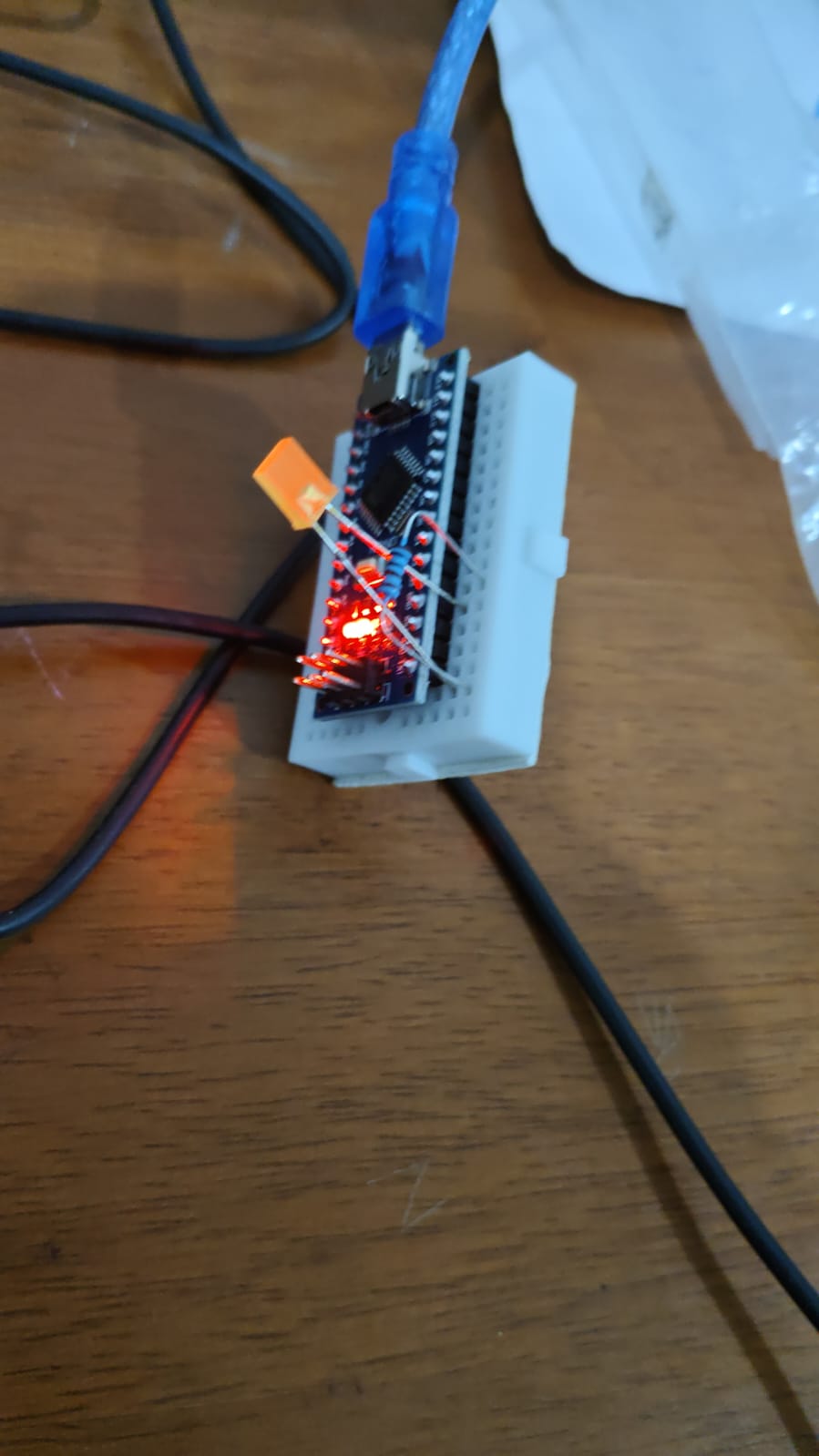
Recently, I embarked on an exciting journey into the world of electronics by starting my very own Arduino project. Arduino is an open-source electronics platform based on easy-to-use hardware and software, making it perfect for beginners and hobbyists alike. My goal was to learn more about how hardware and software interact, and to build something functional from scratch.
Getting Started
At first, the world of circuits and microcontrollers seemed a bit intimidating. However, thanks to the abundance of online tutorials and community forums, I quickly got up to speed. I began by experimenting with basic components like LEDs, resistors, and buttons, learning how to control them with simple Arduino code.
Building the Project
For my project, I decided to [insert your project idea here, e.g., create a temperature and humidity monitor, build a simple robot, automate my room lights, etc.]. The process involved connecting sensors and actuators to the Arduino board and writing code to make everything work together. I faced a few challenges along the way, such as troubleshooting connections and debugging code, but each obstacle taught me something new.
What I Learned
Through this project, I gained hands-on experience in electronics, coding, and problem-solving. I discovered how rewarding it is to see a project come to life from just an idea. Working with Arduino has opened up a new world of possibilities for me, and I am excited to explore more complex projects in the future.
Conclusion
My Arduino project was a great introduction to the world of DIY electronics. Whether you’re a student, hobbyist, or just curious about how things work, I highly recommend giving Arduino a try. It’s a fun and educational way to bring your ideas to life and learn valuable skills along the way.
Have questions or want to share your own Arduino experiences? Leave a comment below!
#CODE
void setup() {
  DDRB = 32;
  DDRD = 4 ;
  while(true){
    PORTB = 32;
    delay(500);
    PORTB = 0;
    PORTD = 4;
    delay(500);
    PORTD= 0 ;


  }

}

void loop() {


}
